What Happens After Hours When a Customer Calls?
If you run a local service business, you already know this pattern: customers call when they finally have a minute, not only when your office is staffed.
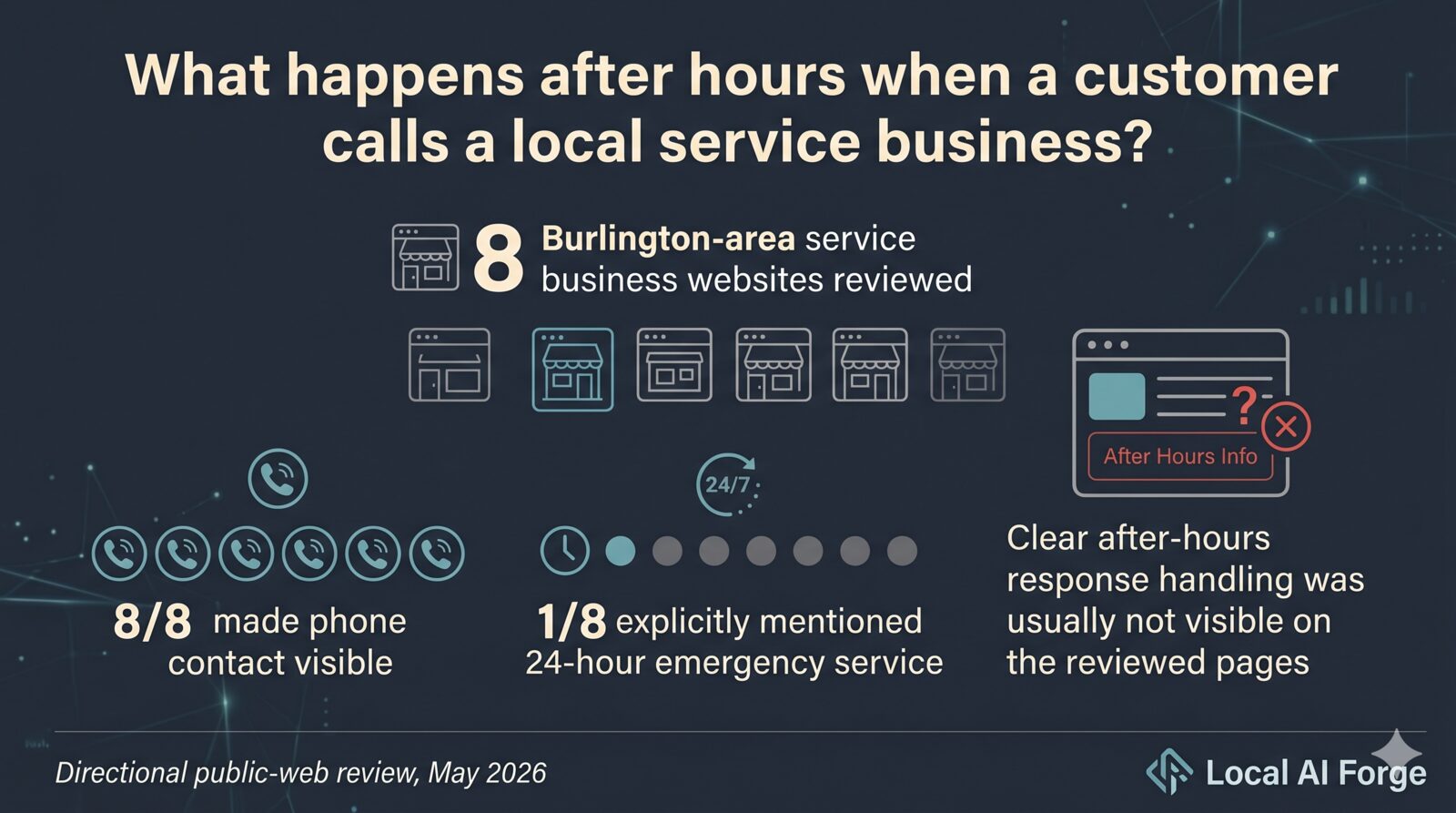
In a small public-web review of 8 Burlington-area service business websites, phone contact was visible on every reviewed site. But on the reviewed pages, clear after-hours response handling was usually not visible, and only one reviewed page explicitly mentioned 24-hour emergency service.
That finding is directional, not a verdict. It does not mean those businesses miss calls or do a poor job serving customers. It only reflects what was visible on those specific pages at the time of review.
Still, it points to a practical gap many owners deal with: a visible phone number is not the same thing as a clear after-hours path.
Why this matters:
- Many calls happen early morning, evening, weekends, or between jobs.
- If the next step is unclear, caller intent can cool off.
- Voicemail and contact forms can work, but they often delay momentum.
For most owners, this is not really a marketing problem. It is a simple coverage and handoff problem after hours: when your team is off the clock, what helpful next step does the caller get?
One practical option is an after-hours AI receptionist.
In practice, here is what solid after-hours coverage should do for your team:
- Answers immediately, so callers are not met with silence.
- Collects the basics (name, callback number, service need, urgency).
- Shares approved info (hours, service area, scheduling expectations).
- Follows your escalation rules when a situation should reach a human.

A quick local-service example: an HVAC caller reaches out at 8:30 PM. They may not need full dispatch in that moment; they mainly need to know they were heard and what happens next.
Then your team starts the next workday with organized call summaries instead of scattered voicemails and partial details.
That is where the value usually shows up first: better morning workflow, cleaner follow-up, and fewer dropped details.
How to keep this calm and customer-friendly:
- Be transparent that it is an AI assistant.
- Keep prompts short and plain-language.
- Avoid promises your team cannot keep.
- Make human handoff easy for edge cases.
- Review summaries weekly and refine the script.
Done right, this protects customer momentum and your staff bandwidth without adding late-night burden to your team.
And importantly, you stay in control. You decide what the AI can say, when it escalates, what counts as urgent, and how follow-up gets routed.
If you want to test this without a big rollout, start small:
- Week 1: Turn it on for after-hours only.
- Week 2: Review call summaries and callback outcomes.
- Week 3: Adjust intake questions and escalation logic.
- Week 4: Decide whether to expand to lunch-hour overflow or weekends.
Track three simple metrics during the pilot: after-hours calls captured, next-business-day callbacks completed, and appointments booked from those calls.
The goal is not perfect coverage. The goal is a clearer next step for callers when your team is unavailable.
If helpful, Local AI Forge can run a small after-hours pilot with your team and compare results before you decide on anything bigger.